
×

Inventory Utilization Masterclass!

Save 20–30% of revenue lost to inventory problems. Join our masterclass to learn how!

🗓️ 19th December 2025 | ⏰ 4:00 PM IST

Save Your Seat
Talk to an Advisor
  1. Home
  2. Omni channel FAQs
  3. How to search an order/shipment/Purchase order/Manifest
  1. Home
  2. Order Processing
  3. How to search an order/shipment/Purchase order/Manifest

How to search an order/shipment/Purchase order/Manifest

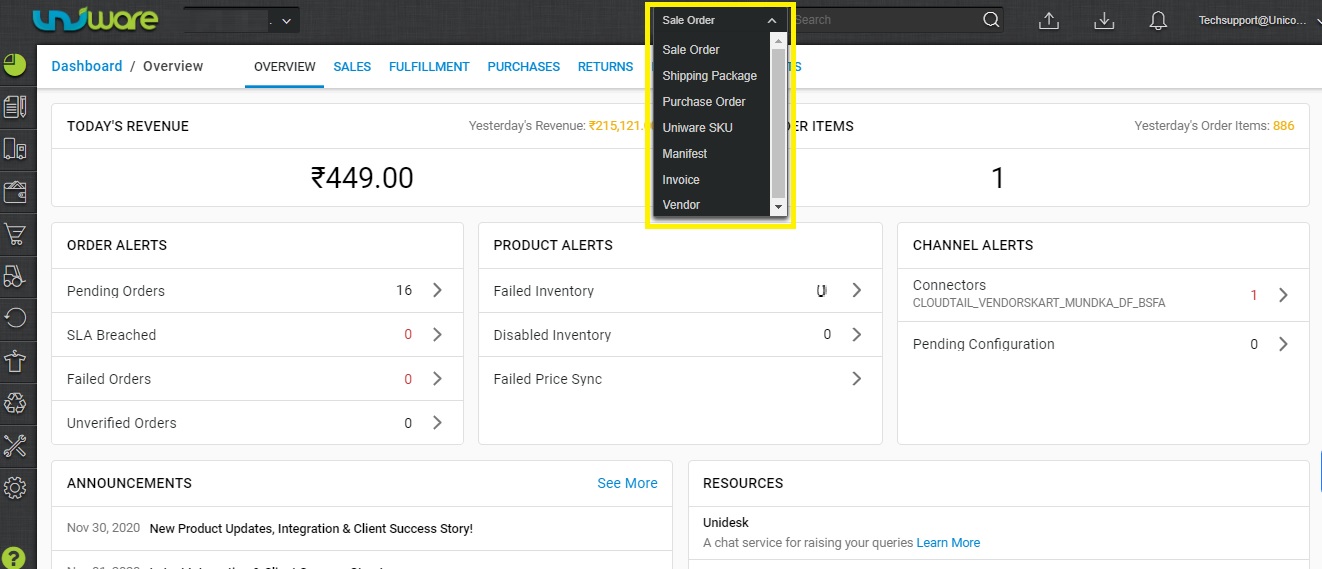
Sellers can search Order /shipment /Purchase order or the data through the global search option at the top bar.

To search any details you can follow the below path.

1. On the Top bar, Select the search option filter and enter the data-id for search. respactive order/ manifest id.
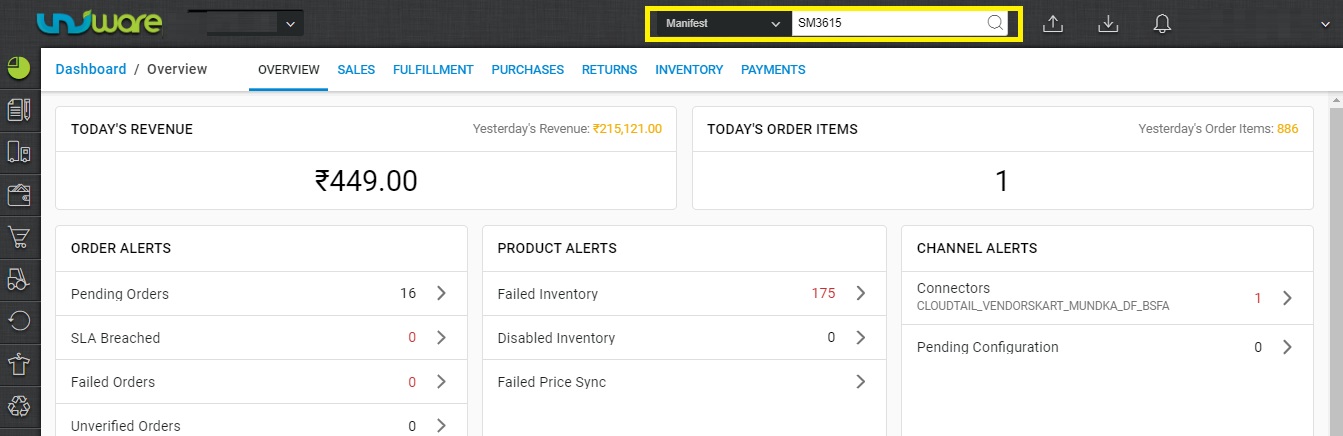
2- Enter the manifest id.
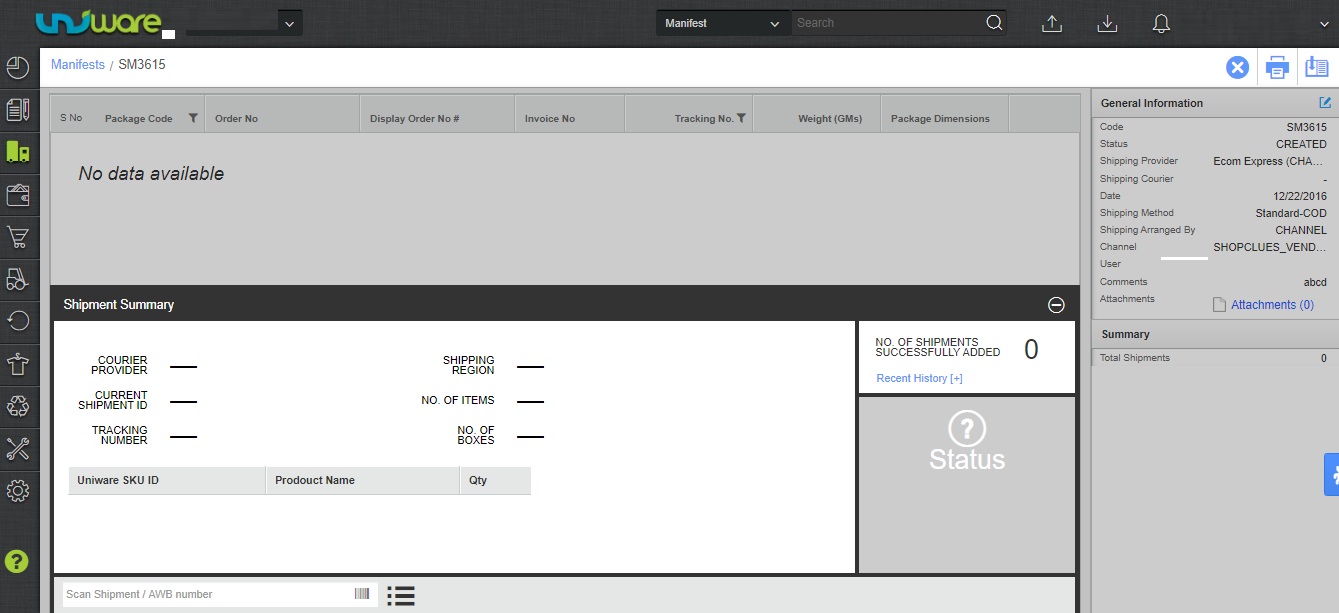
3-Press enter and you will get the data for searched id.
 

Related Articles