
Follow the below steps to begin with the integration:
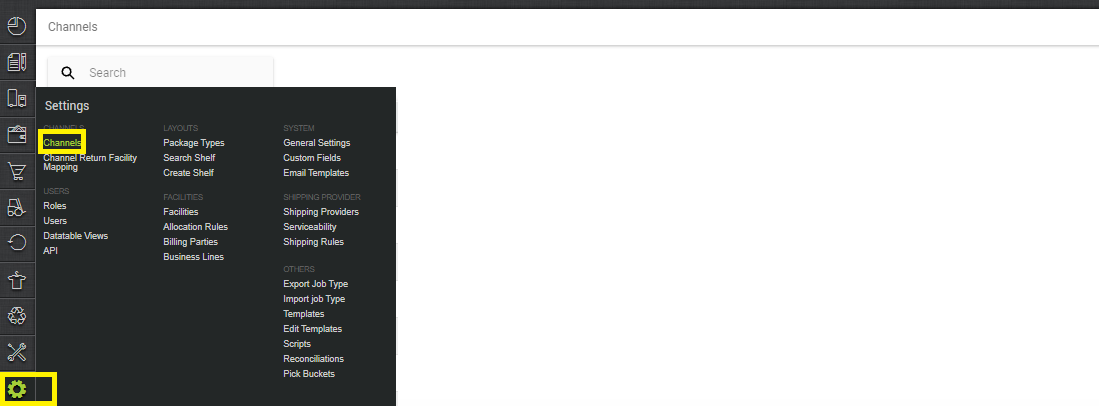
1- In the Uniware menu, select Settings > Channels, then press the button “Add Channel”.
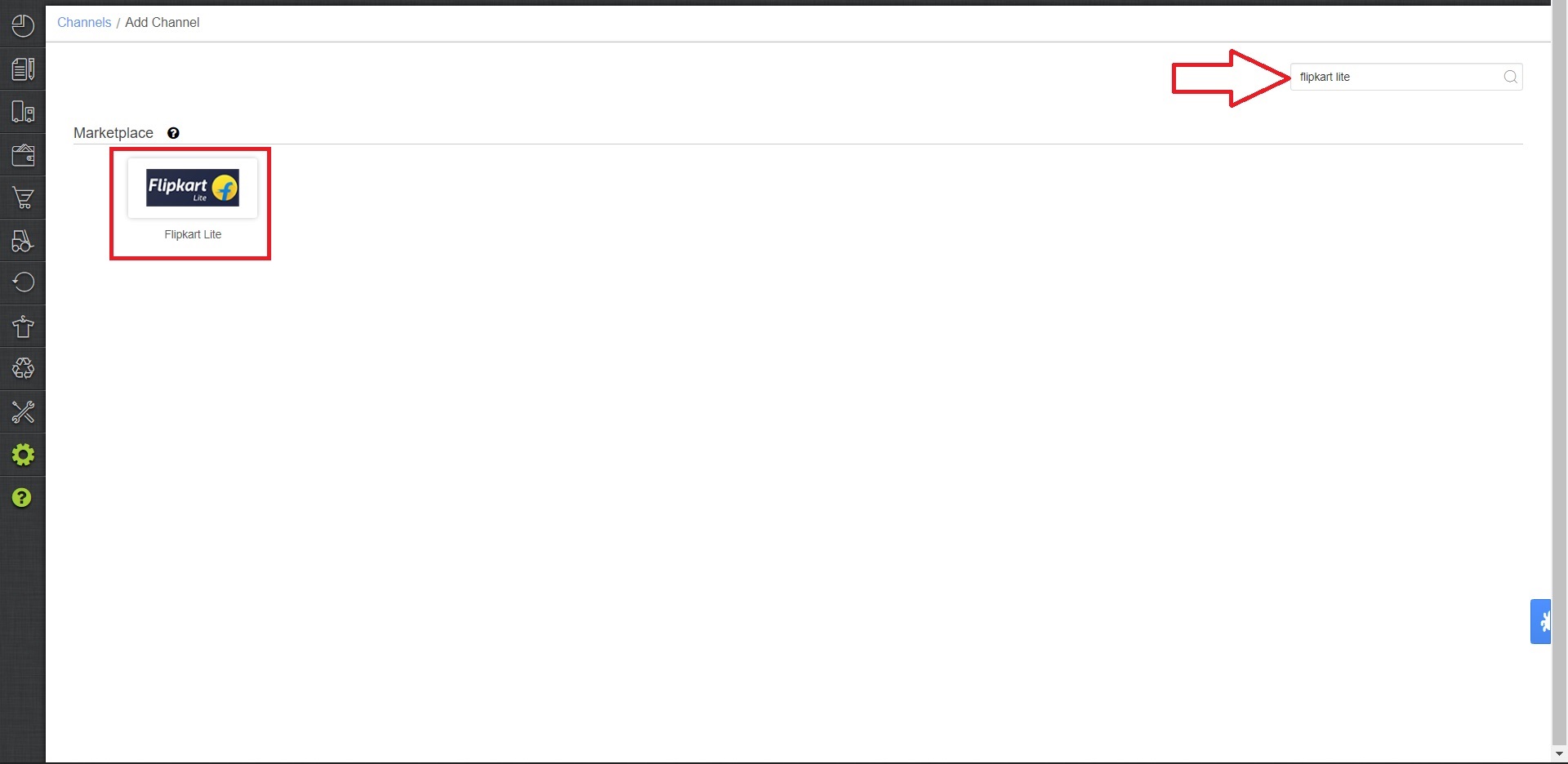
2- Search and Select “Flipkart Lite”
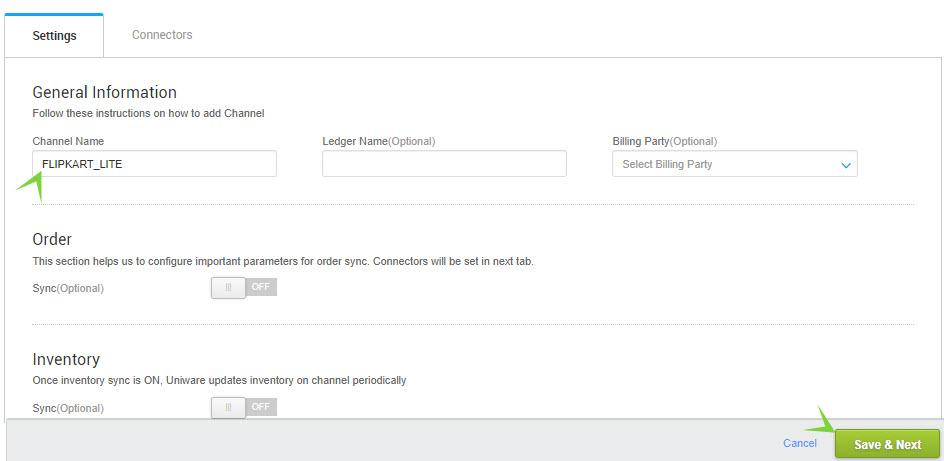
3- Fill and save the channel details.
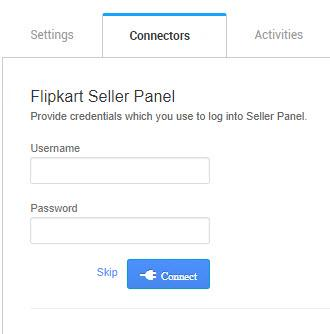
4- As soon as you save the channel details, Connectors tab will get opened. Connect the connectors with Flipkart Lite login credentials (username and password).
5- Once connectors are connected, Turn on ORDER Sync to fetch completed Flipkart Lite orders.
Please Note:
1- Unicommerce now fetches Flipkart Lite catalog and orders having complete invoice and tax details.
2- Uniware syncs all the orders from Flipkart Lite with status ‘COMPLETE’. These orders are marked as “COMPLETE” in Unicommerce automatically.
3- 50% of the Regular charges (per 10 order items) will be deducted from the available balance as and when an order (with status COMPLETE) will be synced in Unicommerce.