
To review and recommend Unicommerce on Shopify:
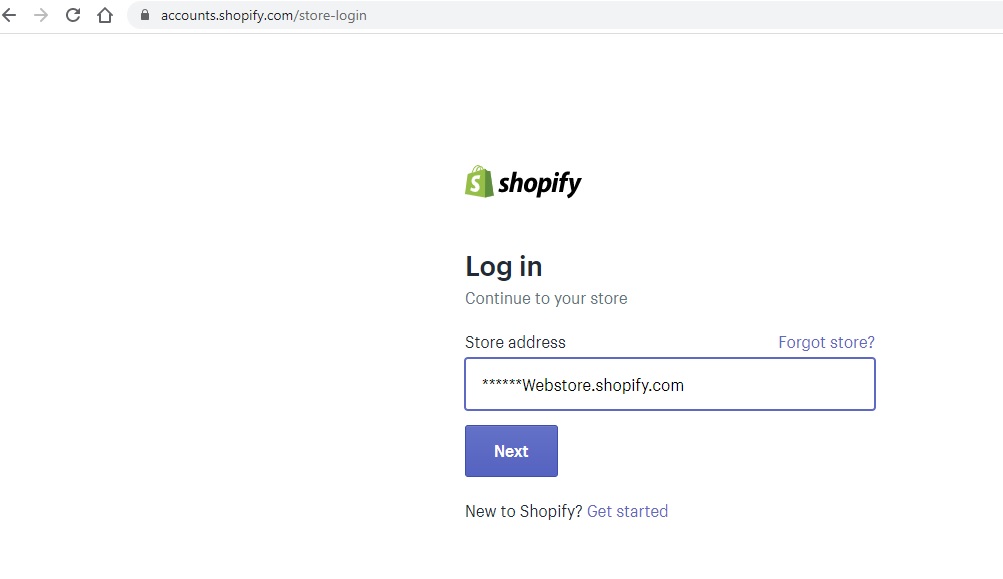
1- Login to your Shopify account on Shopify Store Login.
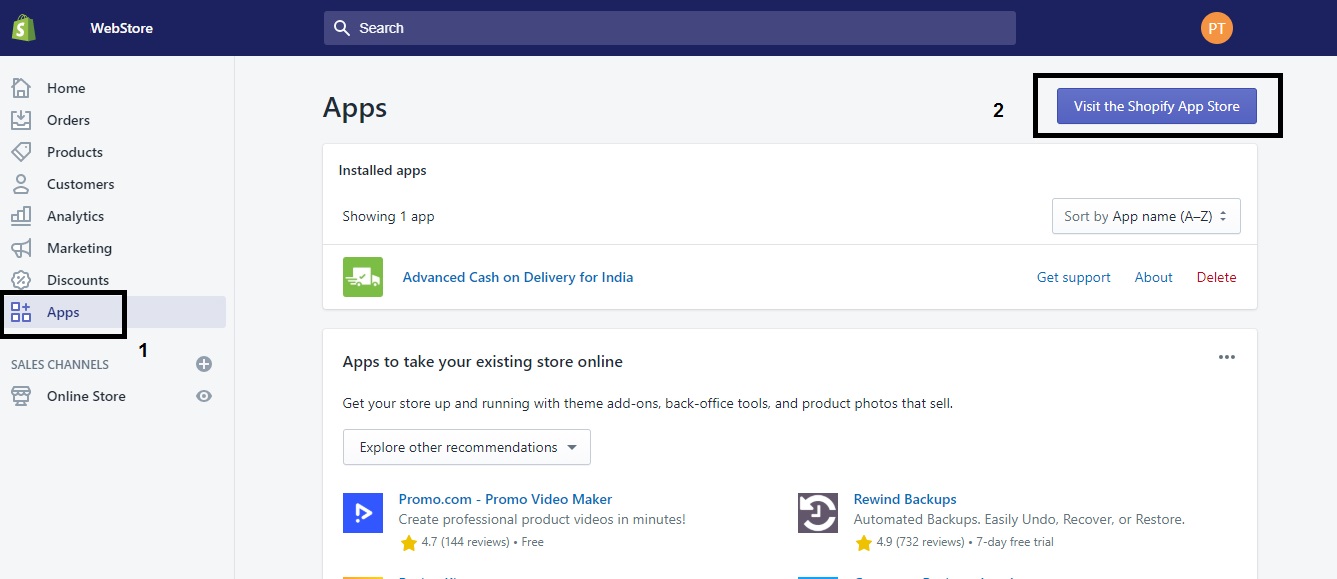
2- Select Apps as shown in below Page and Click on “Vist The Shopify App Store”.
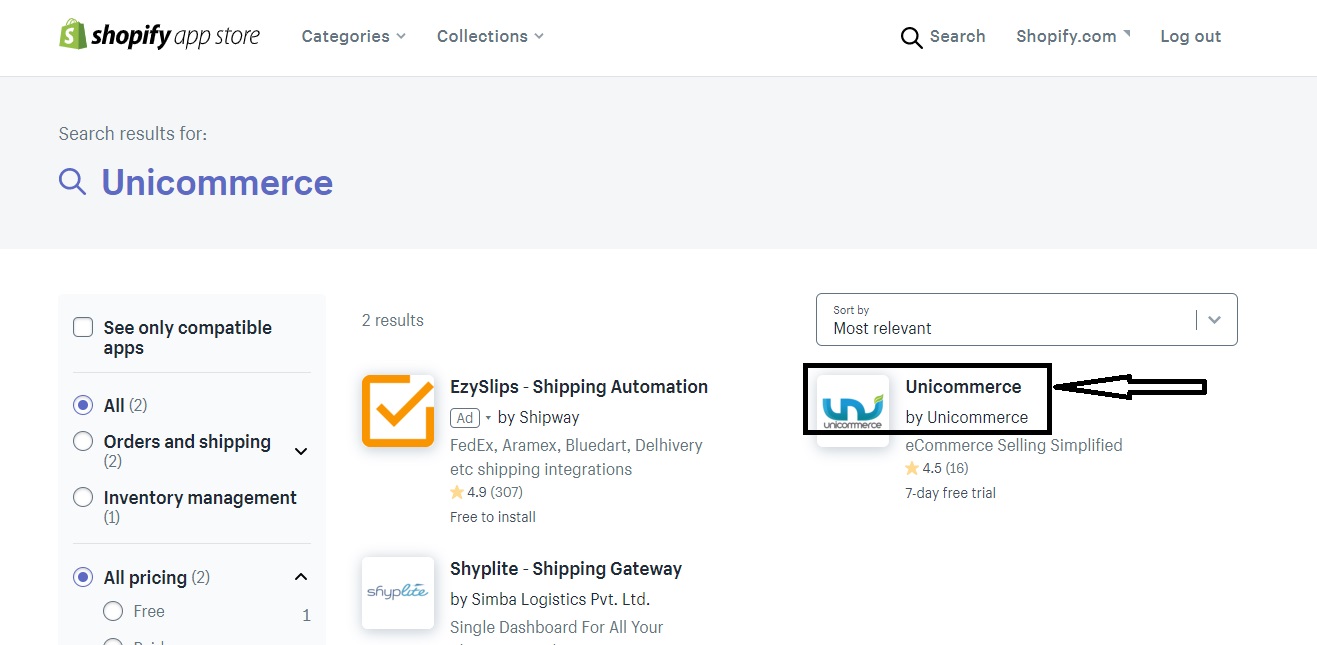
3- Search the Unicommerce app.

4- Click on Unicommerce
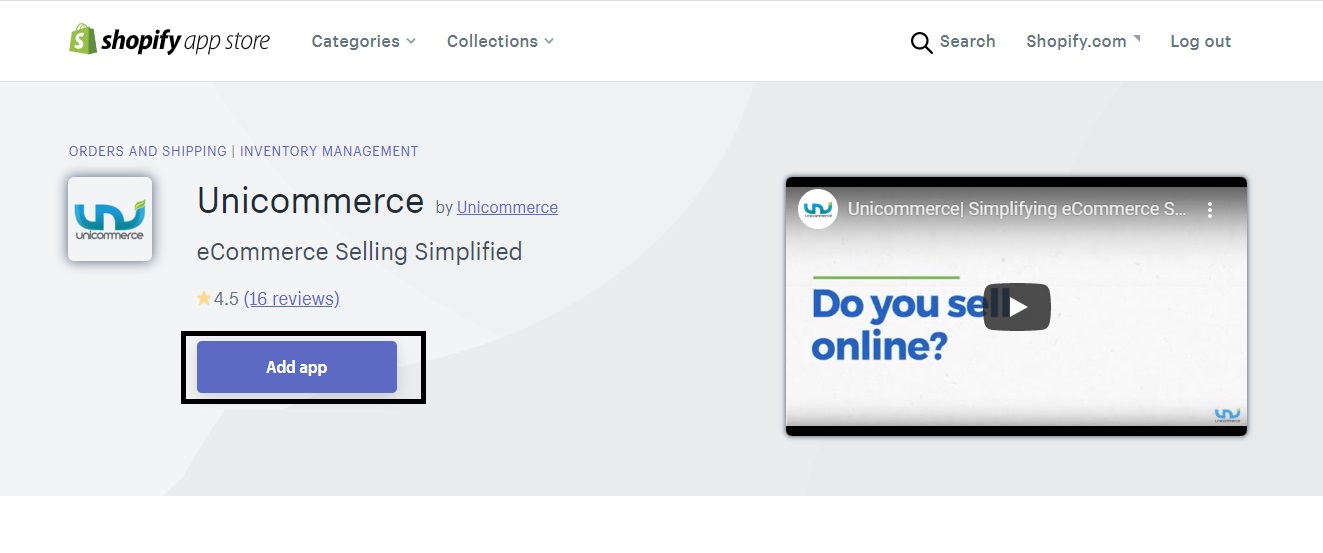
5- Now Add App, later you can delete the app.
6- Now click on “review”.
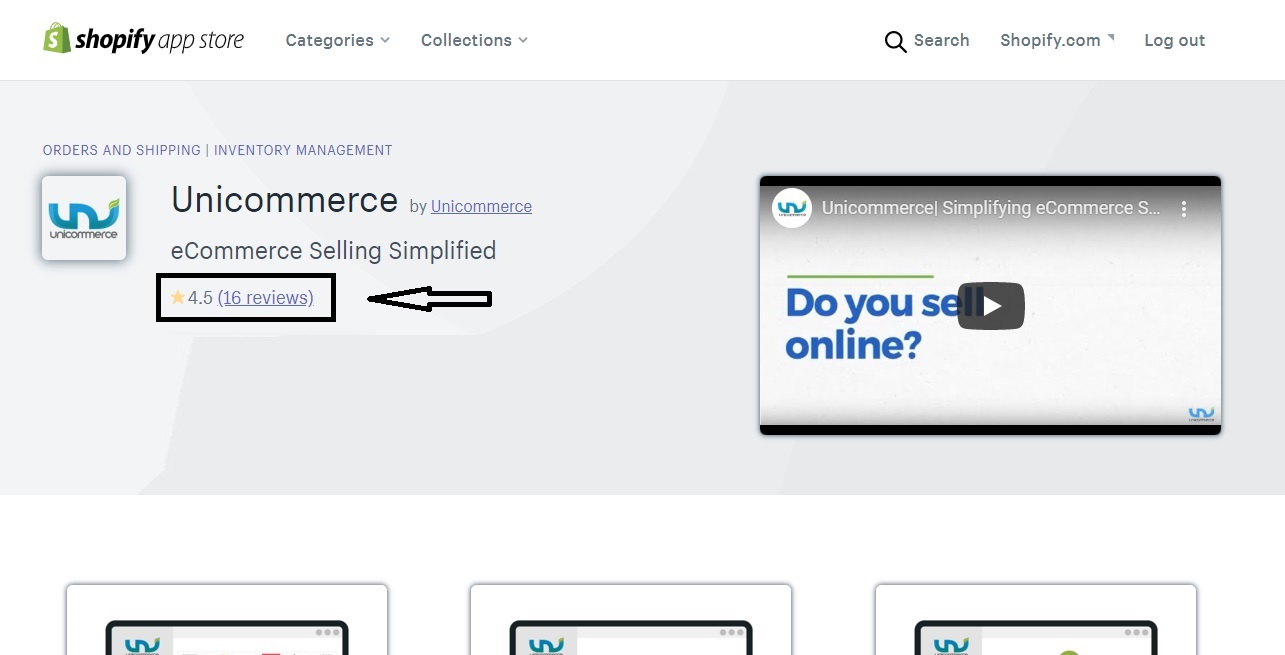
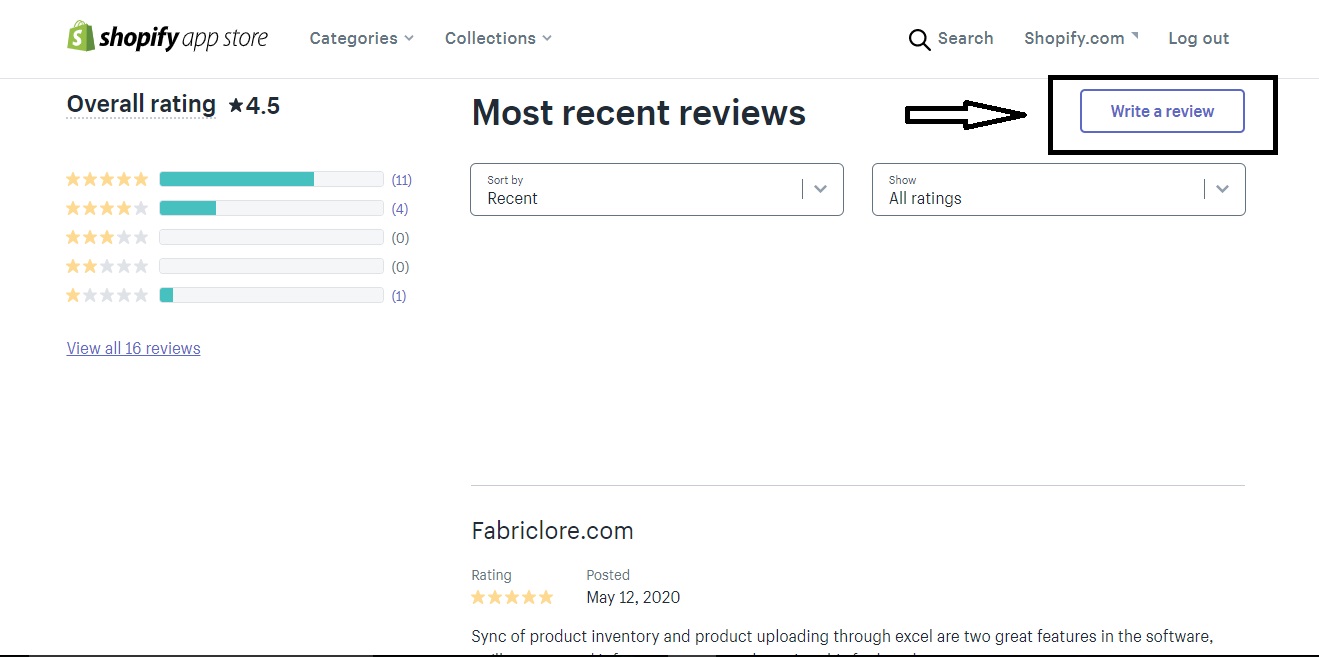
7- Click on “Write a review”
8- Now, write a review.
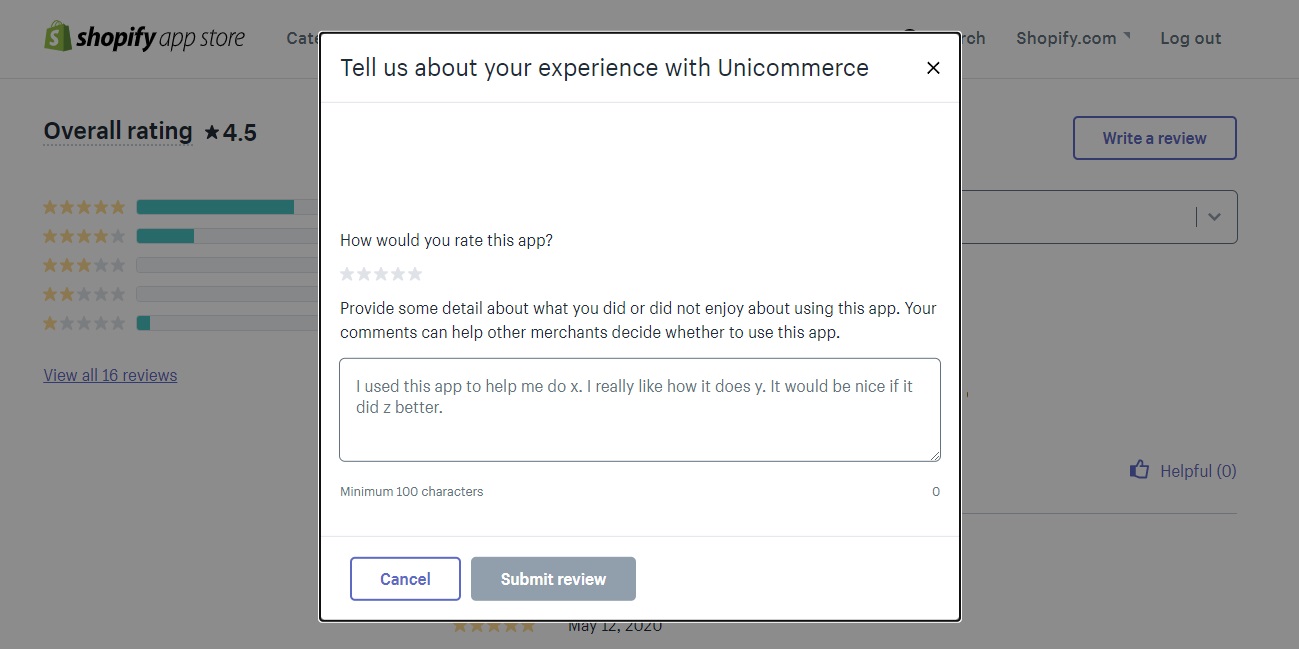
That’s Done!!
Recommended for you: