
A:
To ignore a product Listing or Mapping, follow these steps:
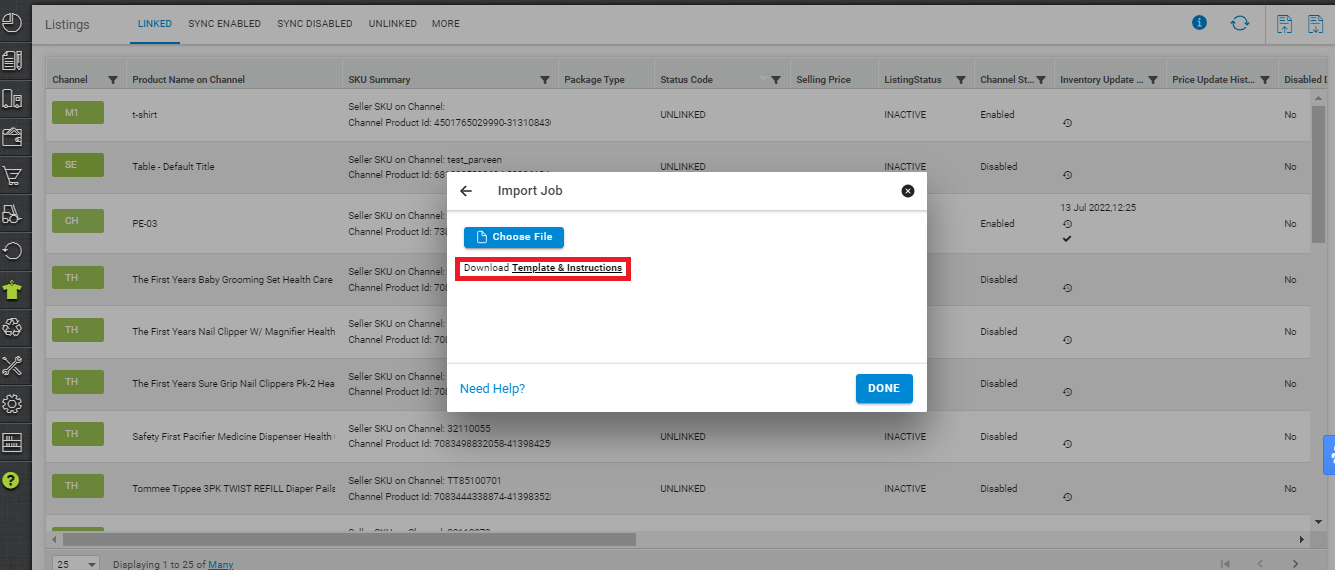
1. On the path Products > Listings, click the import icon 
2. Download the template and check the column called “Ignore” in this file.
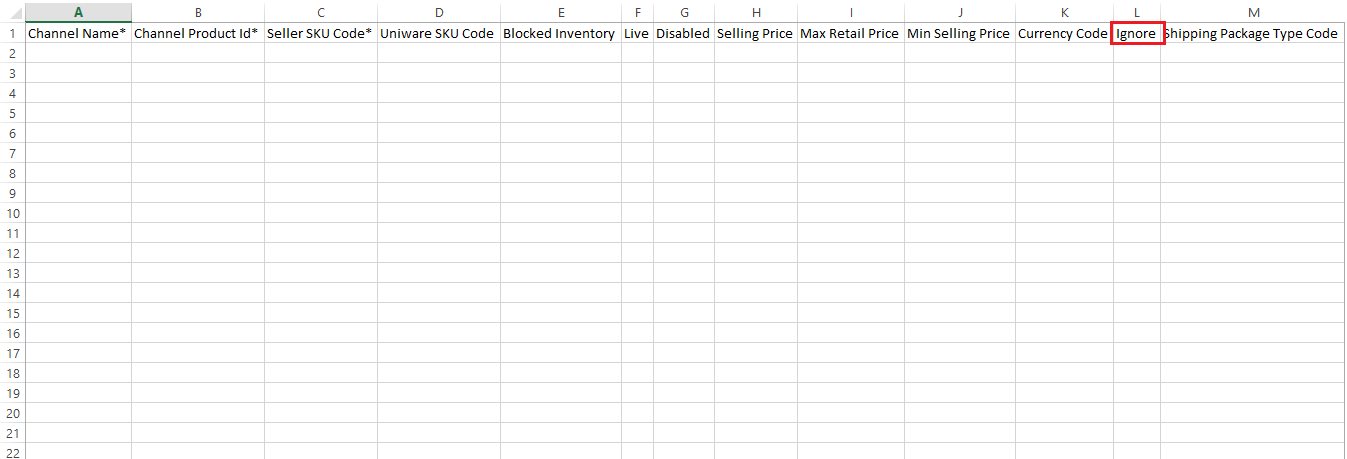
For every product listing containing Ignore=1, the product linking or mapping will be ignored and its inventory update on the sales channels will be stopped.